Histograms and Density Plots in ggplot2
Customized histogram plots
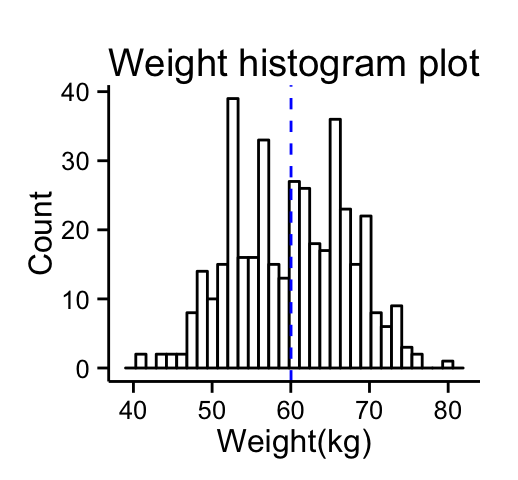
# Basic histogram
ggplot(df, aes(x=weight, fill=sex)) +
  geom_histogram(fill="white", color="black")+
  geom_vline(aes(xintercept=mean(weight)), color="blue",
             linetype="dashed")+
  labs(title="Weight histogram plot",x="Weight(kg)", y = "Count")+
  theme_classic()
# Change line colors by groups
ggplot(df, aes(x=weight, color=sex, fill=sex)) +
  geom_histogram(position="identity", alpha=0.5)+
  geom_vline(data=mu, aes(xintercept=grp.mean, color=sex),
             linetype="dashed")+
  scale_color_manual(values=c("#999999", "#E69F00", "#56B4E9"))+
  scale_fill_manual(values=c("#999999", "#E69F00", "#56B4E9"))+
  labs(title="Weight histogram plot",x="Weight(kg)", y = "Count")+
  theme_classic()

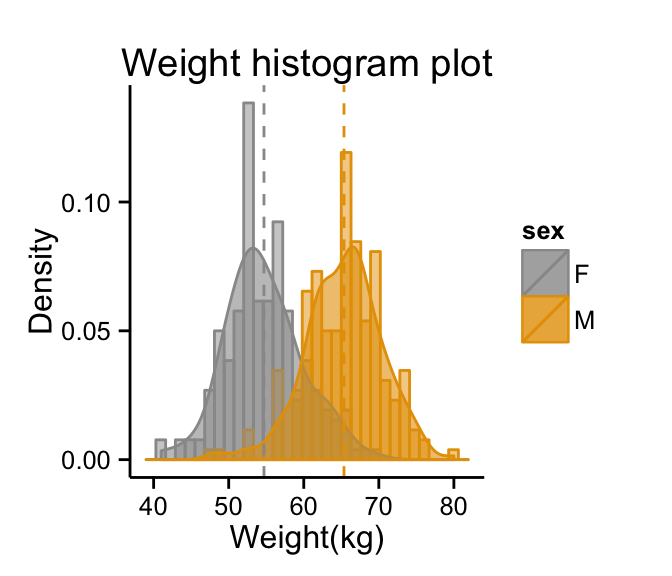
Combine histogram and density plots :
# Change line colors by groups
ggplot(df, aes(x=weight, color=sex, fill=sex)) +
geom_histogram(aes(y=..density..), position="identity", alpha=0.5)+
geom_density(alpha=0.6)+
geom_vline(data=mu, aes(xintercept=grp.mean, color=sex),
           linetype="dashed")+
scale_color_manual(values=c("#999999", "#E69F00", "#56B4E9"))+
scale_fill_manual(values=c("#999999", "#E69F00", "#56B4E9"))+
labs(title="Weight histogram plot",x="Weight(kg)", y = "Density")+
theme_classic()
Change line colors manually :
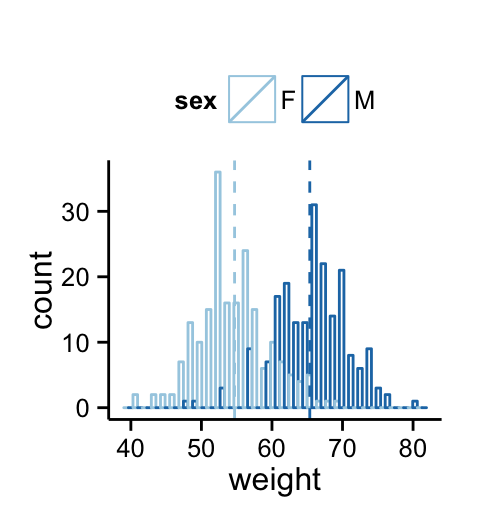
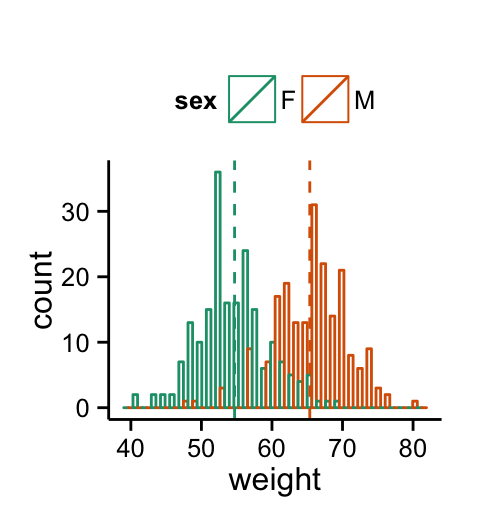
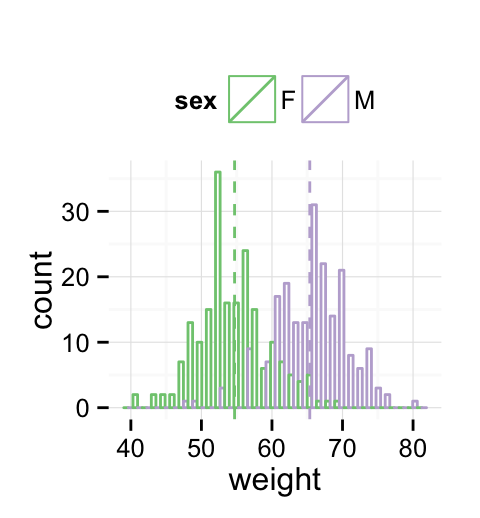
p<-ggplot(df, aes(x=weight, color=sex)) +
  geom_histogram(fill="white", position="dodge")+
  geom_vline(data=mu, aes(xintercept=grp.mean, color=sex),
             linetype="dashed")
# Continuous colors
p + scale_color_brewer(palette="Paired") +
  theme_classic()+theme(legend.position="top")
# Discrete colors
p + scale_color_brewer(palette="Dark2") +
  theme_minimal()+theme_classic()+theme(legend.position="top")
# Gradient colors
p + scale_color_brewer(palette="Accent") +
  theme_minimal()+theme(legend.position="top")